A good product makes being human a little more awesome

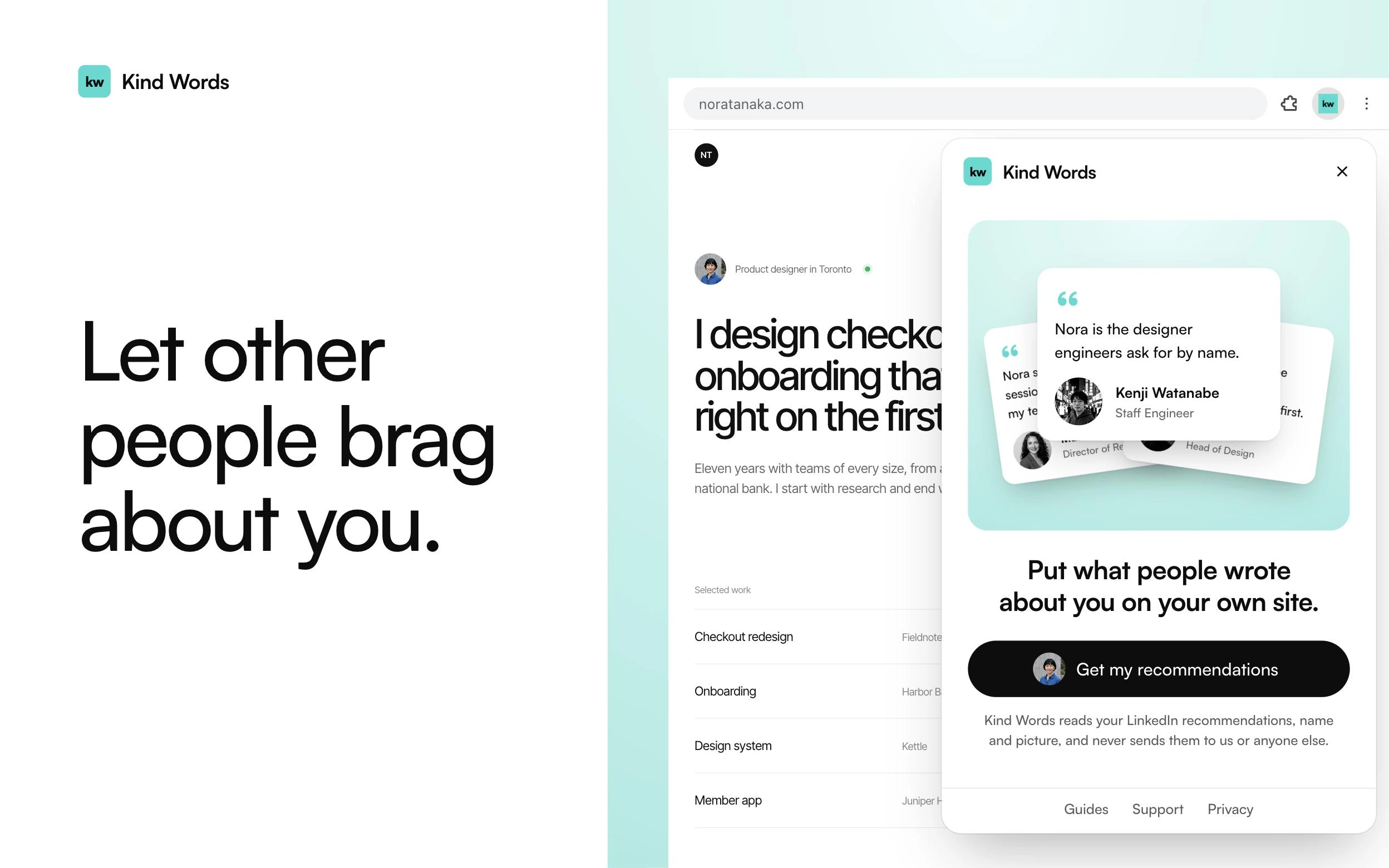
The Kind Words panel open over a portfolio site, ready to get the recommendations
Chrome extension01

Kind Words

Every time I got a LinkedIn recommendation, putting it on my website meant copying the words, downloading the person's photo and adding it by hand. I work under NDA a lot and can rarely show numbers, so what people say about working with me is the proof I have.

So I made a tool anyone can use for free. It grabs every recommendation off your LinkedIn, along with each writer's photo, name and title. Everything comes back formatted and ready for a website. Pick a style, and the file even carries a prompt for any AI to place them for you.

Chrome extension02

Orbit

For the last couple of months I have been getting back into LinkedIn and reconnecting with old friends, colleagues and clients. I noticed how connected everyone is. Everything I have done came through a referral or someone who knew me, and I never even had a website.

I wanted to see that. Not a flat chart full of straight lines, a live map of everyone I am connected to on LinkedIn, where you tap anyone and see how they connect to the rest.

Now you can ask it things. Where is my next gig most likely to come from. Who is looking for work that I could help. The point is helping people find their next thing.

Mornings start on Today, with who viewed your profile, the jobs you applied to and how each post did. Tap anyone and 2nd level brings in the people they know that you don't yet. Ask with Claude, ChatGPT, Gemini or Grok, and every chat stays saved under the person it's about.

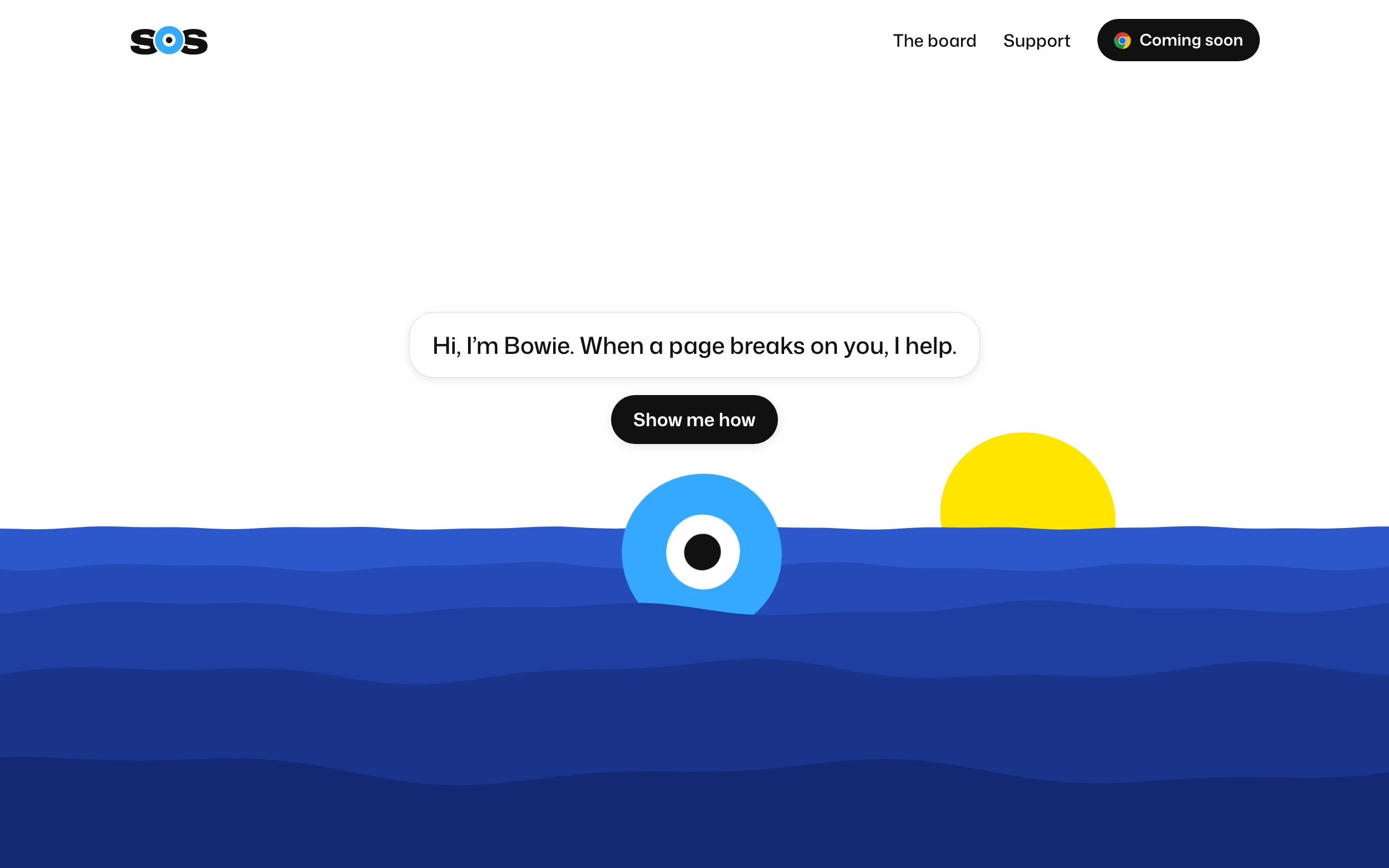
The SOS home page, where Bowie floats in the sea and says he helps when a page breaks on you
Coming soon03

SOS

This has been happening for years. I will be in an app on my laptop or my phone, hitting the same wall again, really hoping somebody is watching the screen recording. I want to take out a magic marker, mark up the thing that is broken and say I am having trouble right here. And I am pretty sure I am not the only one.

Asking for help usually makes it worse. A chat bot asks for your first name, tells you it cannot help and sends you off to the docs. So you end up searching, asking an AI and yelling at your keyboard. Those poor keys take a beating.

So I made Bowie. The O in SOS is a buoy, and every time I said the word, my dictation wrote Bowie, so that is the name. No relation to David. Press SOS and Bowie first checks whether other people already hit the same problem and found a fix, so you can try it right there and get on with what you were doing.

If the fix works, Bowie asks to put it on the board so the next person finds it faster. If nothing works, everything gets packed up for their team, ready to send or download. Print it out and fax it if you have to.

Demo04

Cosplay

When a product problem comes up, I go see how the best products already solve it. Say Duolingo runs a seven day trial. How do they explain it, what is their checkout like, and where in the app does the upsell show up? I walk those flows as a user, screenshot them and bring them back, then pull patterns from a few other apps too.

So I thought, why not have fun with it. Say your problem landed at Duolingo. How would their team solve it, going by what their live product already does on Mobbin? Bring a product and its problem, and you get their answer, made for yours. It keeps your own voice, logo and colors. You can ask it questions and go deeper. This one is a demo.

Coming soon05

Bonehead

The cooking app for people who have complicated relationships with food.

Be a weirdo! Join us.

We're still working out what to spam you with. Most likely we'll just hit you up when a new tool comes out, if you're up for it.

Project call

30 minutes to talk about what you are working on and where we might help.

Loading the calendar

Open in Cal.com